❋
Self Serve Admin
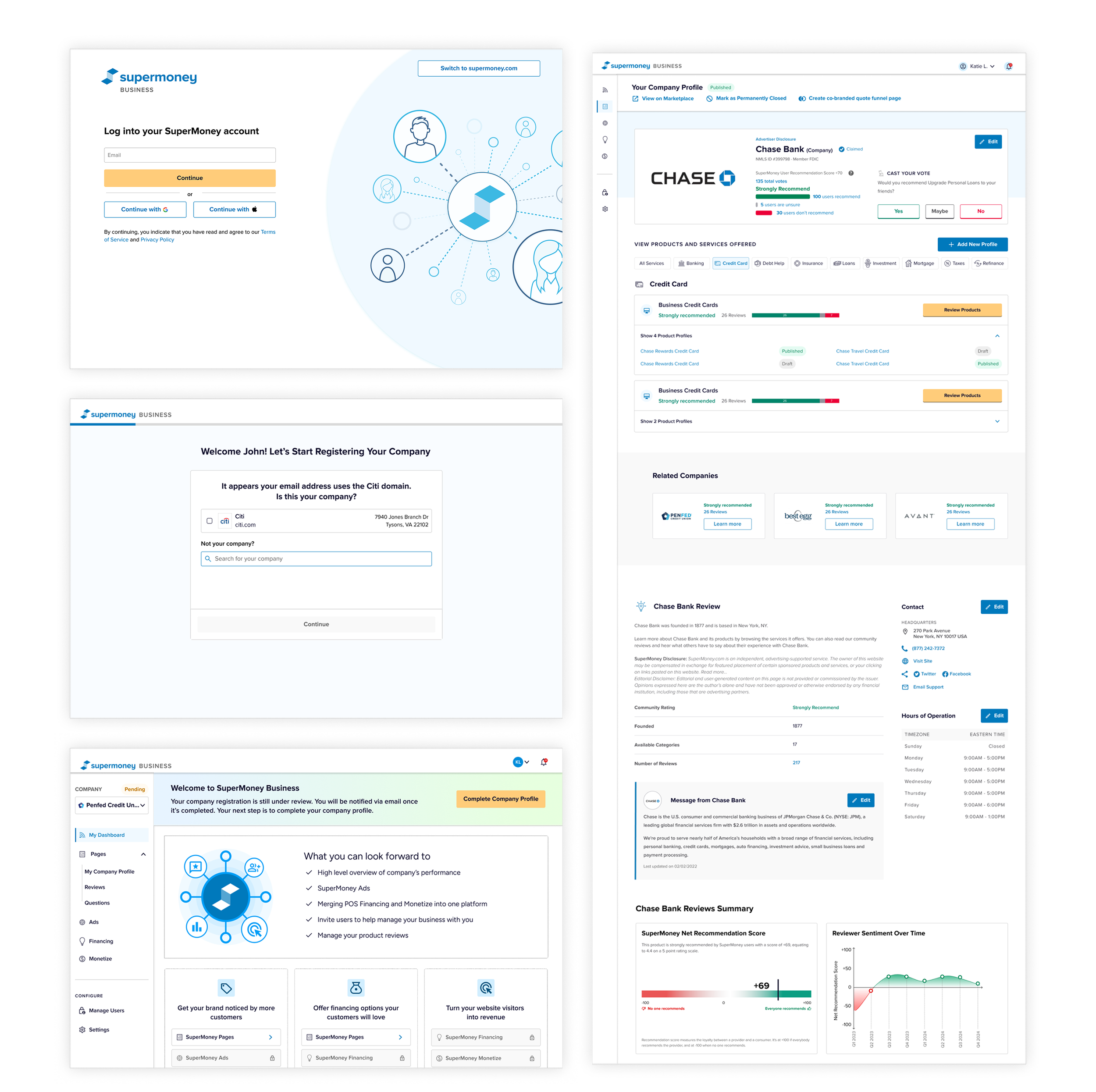
Creating a B2B Self Serve Admin for SuperMoney’s partners to manage their own performance and profiles on the marketplace and quote funnels.
Role
Lead Product Designer
Timeline
Aug - Nov 2025
Platforms
Web
Responsibilities
Researched onboarding patterns across comparable platforms to identify best practices and opportunities
Defined MVP scope and phased roadmap in partnership with product and engineering
Created user flows and user stories to map end-to-end onboarding journeys
Collaborated with stakeholders to understand existing workflows, constraints, and operational needs
Designed high-fidelity mockups and interaction patterns for engineering handoff
Identified opportunities to improve efficiency, scalability, and partner autonomy
We have 3 types of SuperMoney partners (referral, advertiser, and dealers) onboarded through different methods and platforms. We want to consolidate the onboarding experience for all partners and unify all existing dashboards into one.
Problem Statement
Dealers onboarding platform
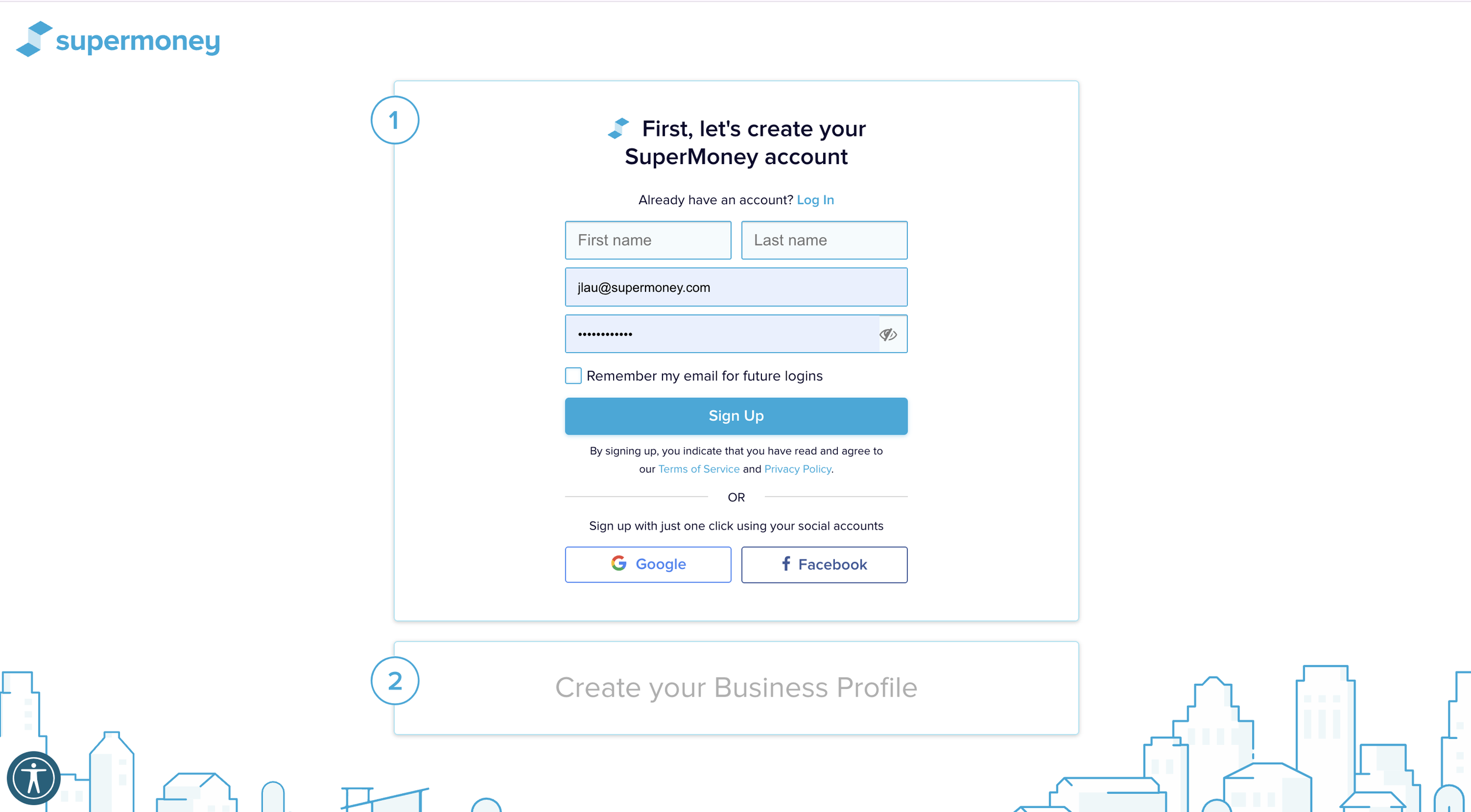
Dealers will be onboarded in its own platform. Once they’ve been approved, they can manage their own profile updates. This platform lives on its own apart from the other partner registration flows.
Referral and Advertiser onboarding form
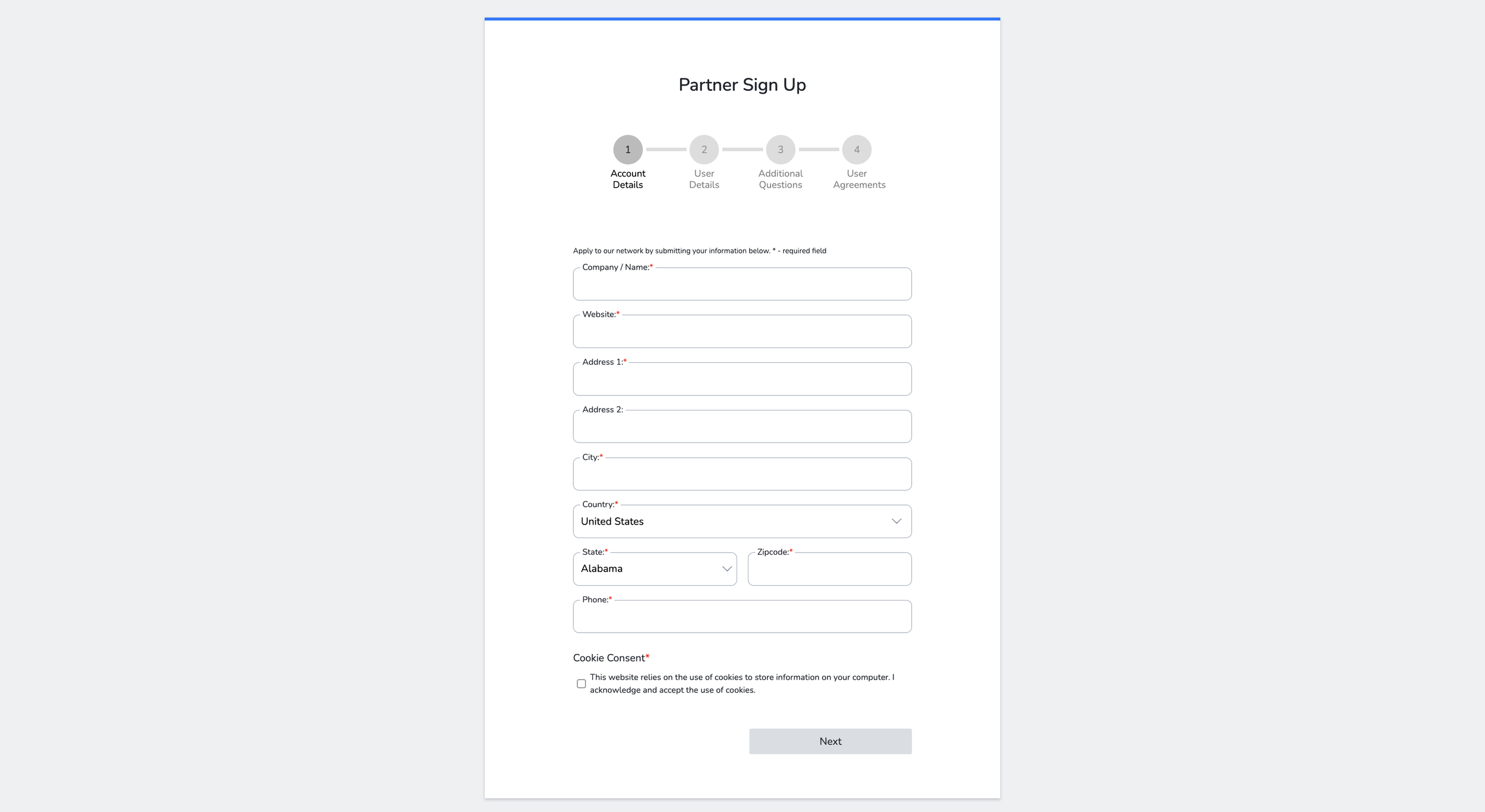
Referral partners and advertisers will sign up through the same form. After this, the onboarding is a manual process from the SuperMoney admin’s side before partners are invited to manage their agent portal.
Targets Goals for MVP
❋ Infrastructure & Authentication
Partners currently have no dedicated portal. The SuperMoney business platform needs its own subdomain that shares authentication and data with the consumer marketplace.
❋ B2B Landing Page & Partner Entry Points
Potential partners discover SuperMoney through many channels (affiliate links, unclaimed profiles, email invitations, direct registration) but there's no unified entry experience that explains the value proposition and funnels them into onboarding.
❋ Company Matching & Registration
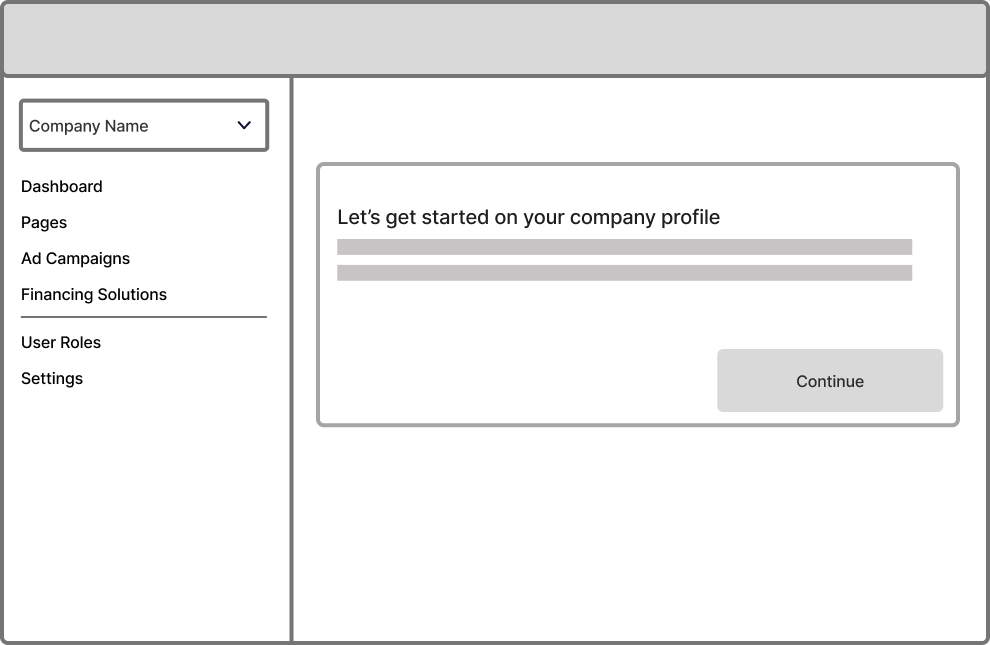
New companies need to provide basic business information and tax identification before they can be reviewed and approved.
❋ Application Submission & Approval Lifecycle
After a partner submits their application, both the partner and SM Admin need visibility into the review process — from pending through approval or rejection.
❋ Partner Portal Dashboard
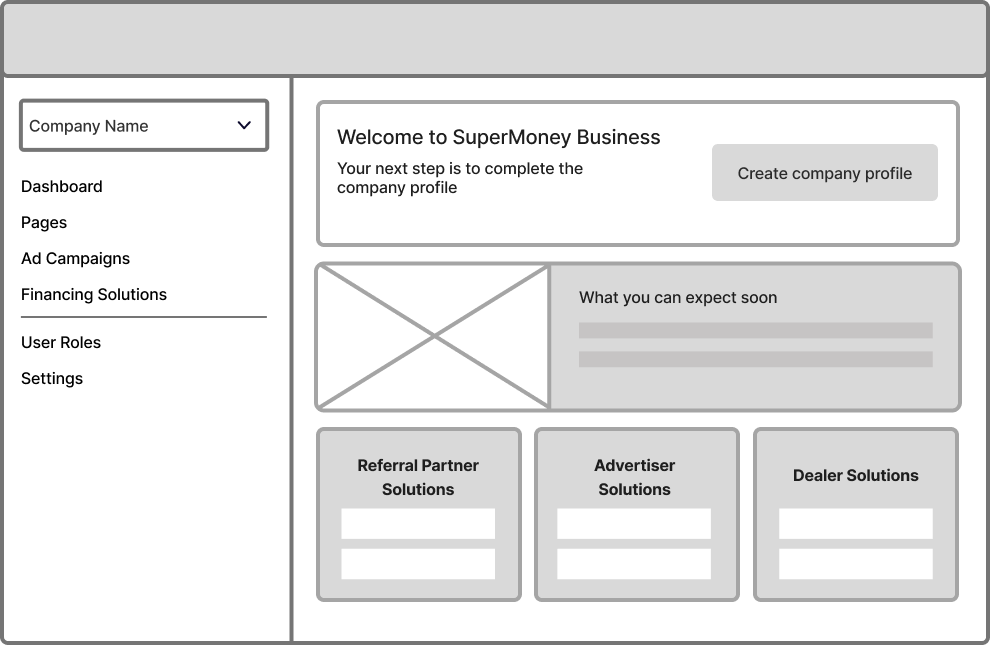
Approved (and pending) partners need a home base that orients them on what to do next and surfaces the status of their application and profiles.
❋ Company & Product Profile Editing
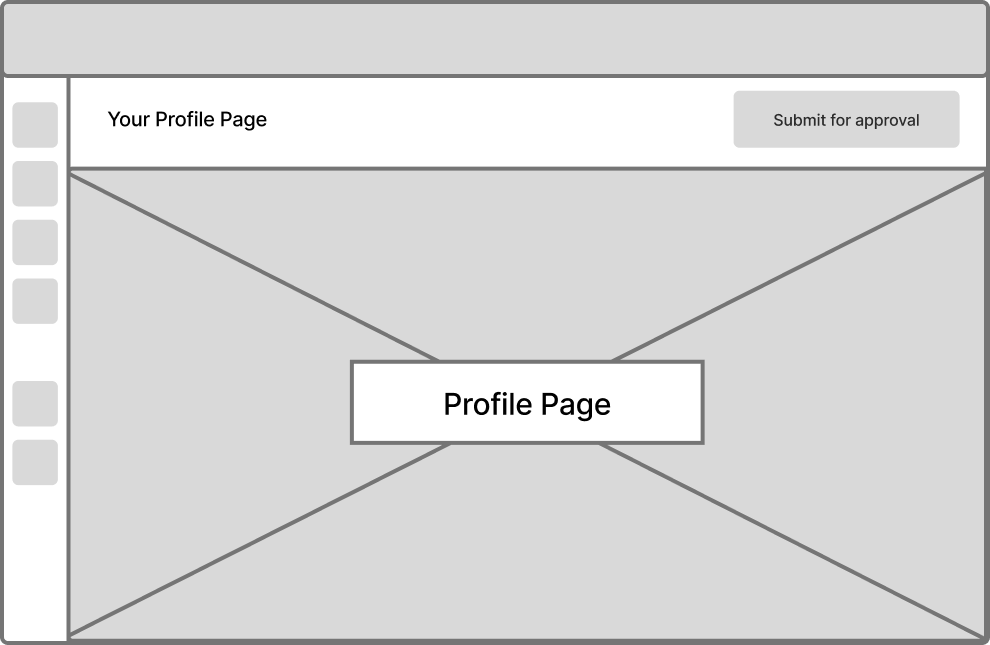
Partners need to create, review, edit, and manage both their company profile and individual product profiles — with different flows for new registrations vs. claimed/existing profiles
Target Audience
Our audience includes new and existing referral partners, dealers, and advertisers. This includes company owners, product owners of a company, and SuperMoney internal admin.
Dealers
Looking for offer their customers with flexible payment plans with SuperMoney
Referral Partner
Looking to turn their website visitors into revenue by partnering with SuperMoney
Advertiser
They want to get their brand noticed by more customers
SuperMoney internal admin
SuperMoney has a small business and content team that spends too much time create business profiles and managing small change requests from partners. There are 3 different onboarding experiences for each partner type
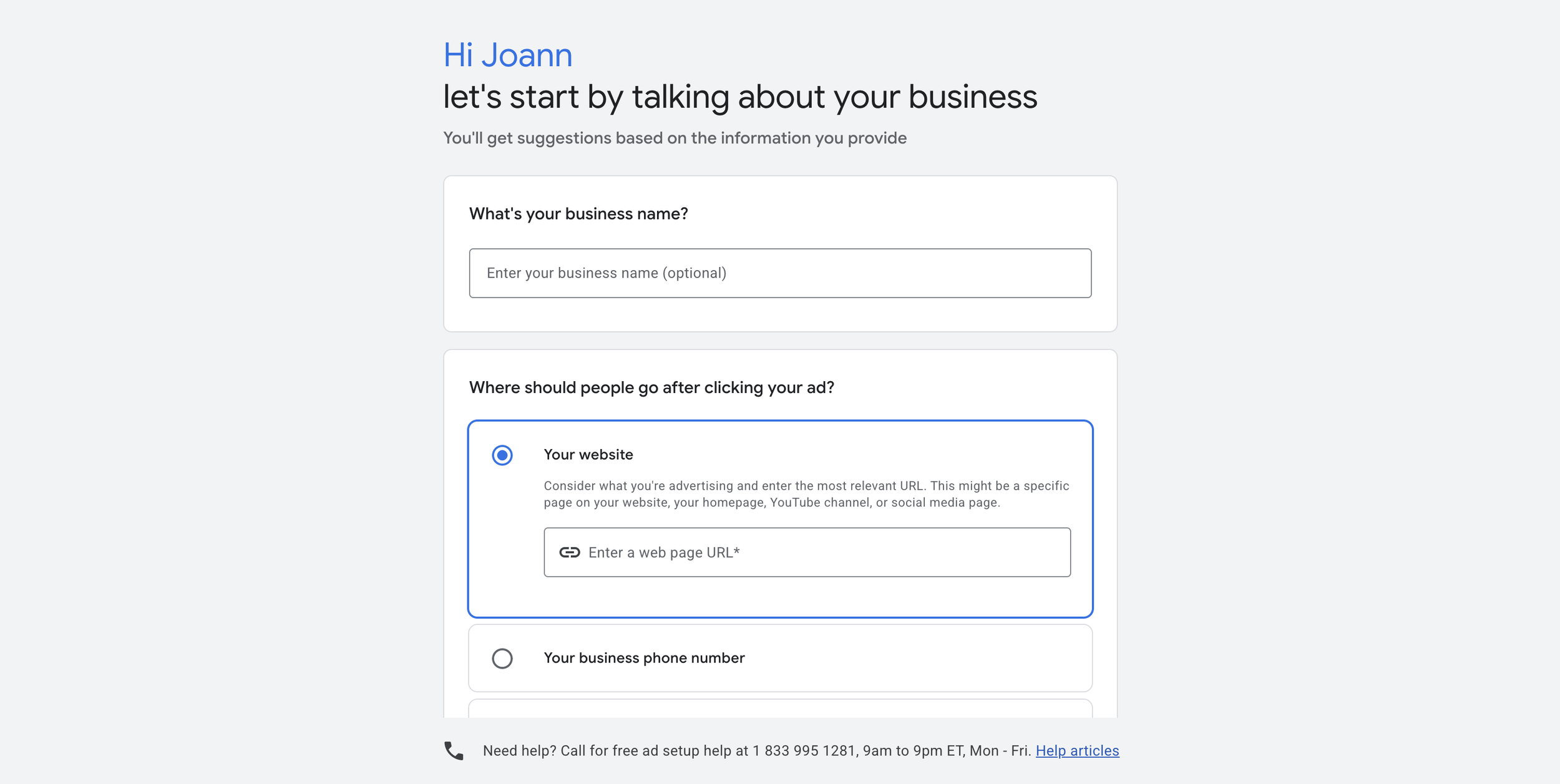
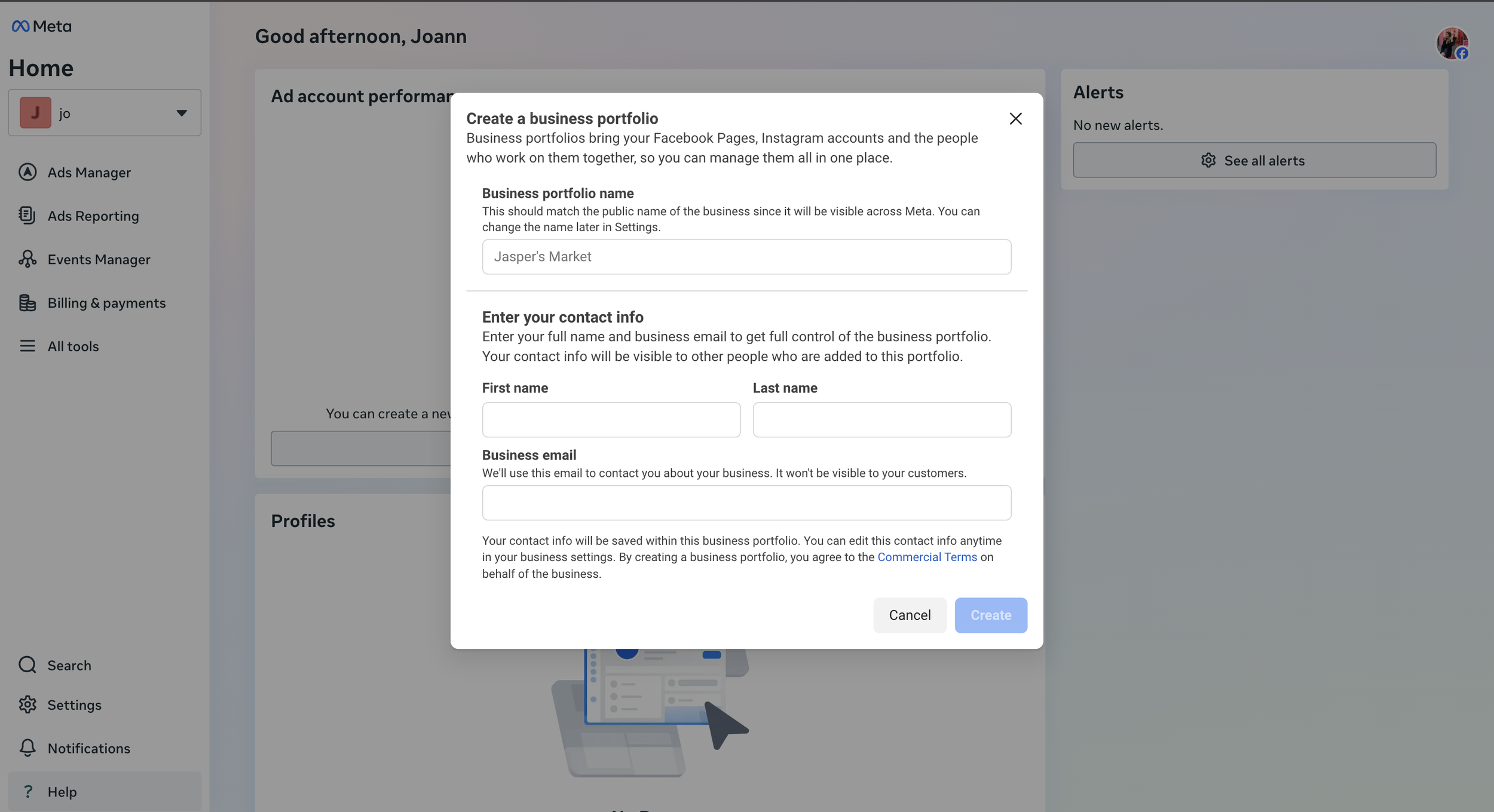
We reviewed Google Ads and Facebook Business Manager onboarding experience.
Research
Google Ads Onboarding Experience
User-friendly interface and step-by-step guidance. The onboarding process starts with an easy-to-follow guide that helps users set up their first campaign. It provides simple prompts, making it accessible for beginners without overwhelming them with technical jargon.
Facebook Business Manager Onboarding Experience
The onboarding starts with setting up a Facebook Business Manager account, which allows for managing ads, pages, and other business assets in one centralized location. This provides a clear structure for users, especially those managing multiple campaigns or teams.
User Flows for MVP
Partner Registration User Flow

Partner Profile Creation User Flow

Information Architecture

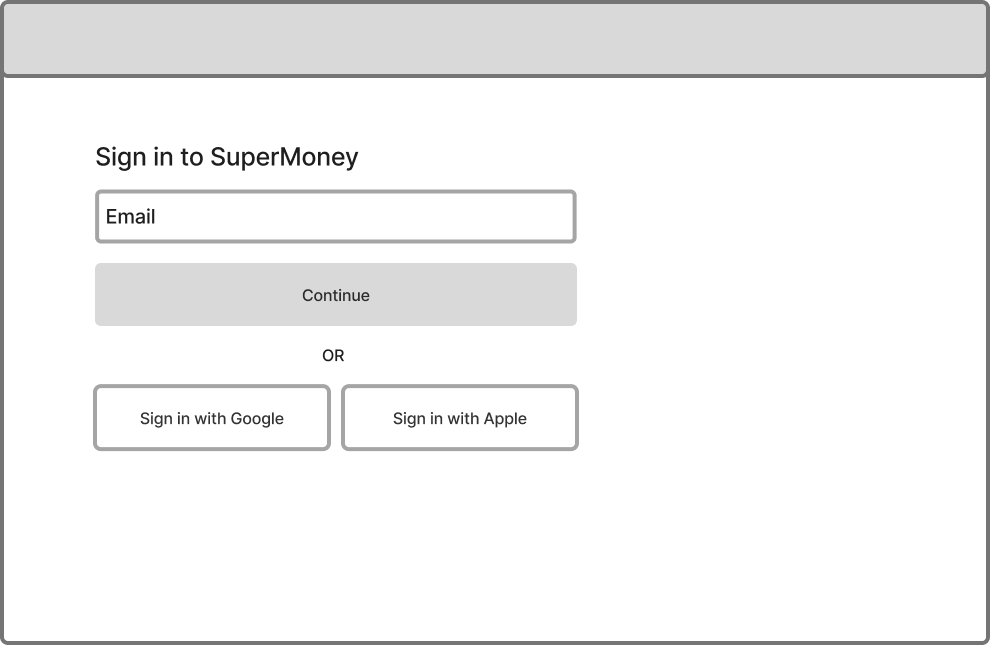
Low Fidelity Wireframes
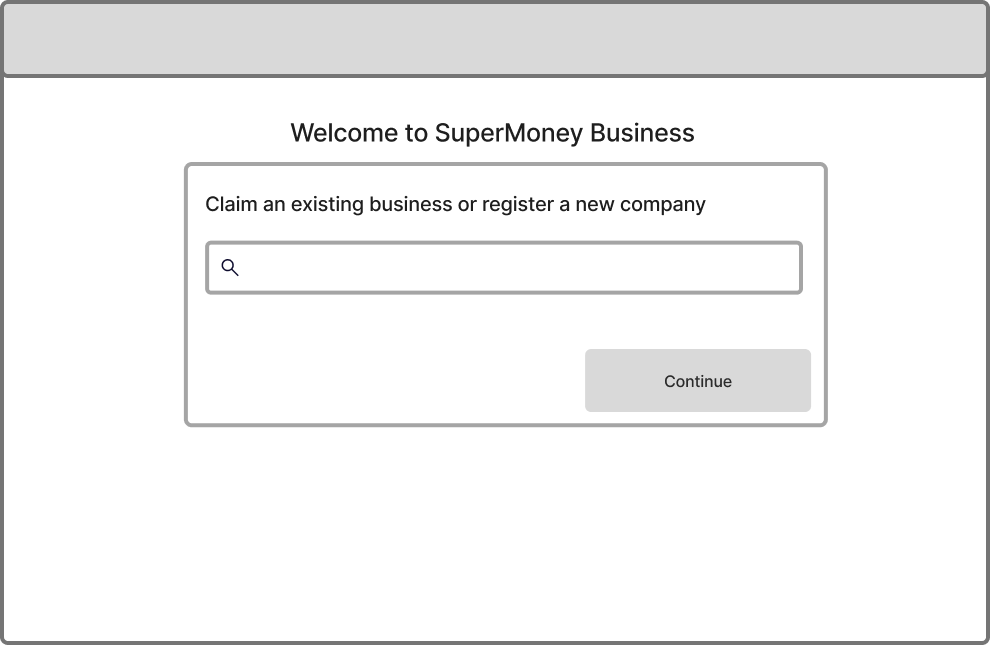
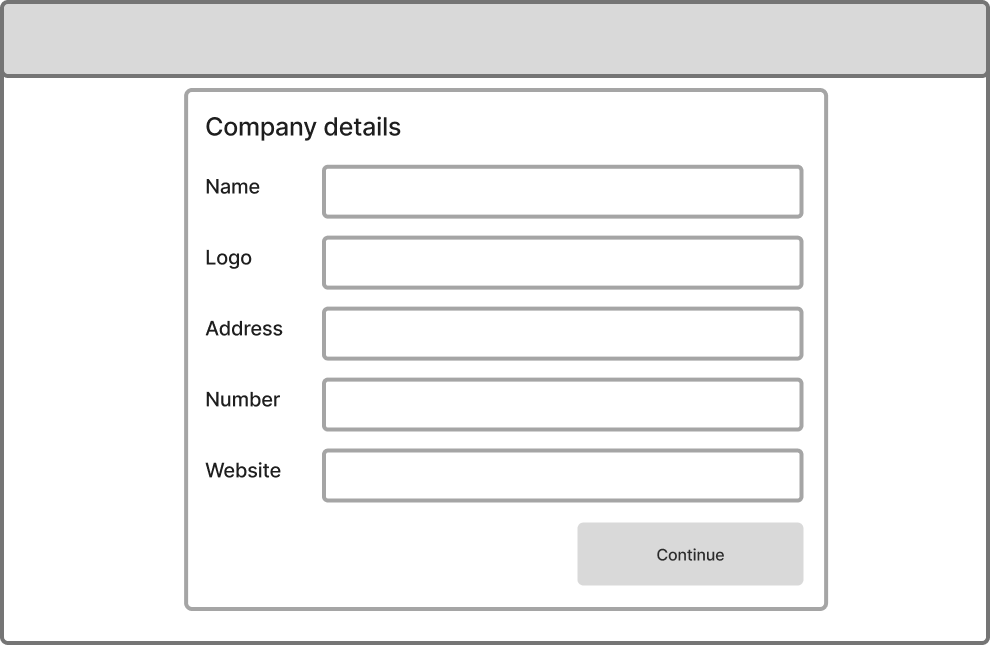
High Fidelity Mockups
Registration Flow


Profile Creation Flow
Protoype Walkthrough
New Registration
A partner that is not part of our existing database registers their profile.
Claim Existing Profile
A partner that already has a profile on our website claims their profile and gains access,
The impact
❋ Boosted productivity by reducing internal administrative time spent manually onboarding partners and managing support tickets for minor updates.
❋Accelerated partnership growth by streamlining the onboarding process.
❋ Empowers partners with greater control over their profiles.
❋ Consolidated all systems in one place for a more cohesive view of partnership capabilities with SuperMoney.
Next steps
❋ Campaign management system that includes an ad campaign creation flow and dashboard.
❋ Migrate the existing monetize financing solution platform into the B2B admin
❋ Allow partners to invite employees to help manage sections of the portal using roles and permissions.
❋ Payment settings